
Visitors Today—Unique visitors today
TWO GIRLS HOME CARE
Dashboard
ADMIN ACCESS
View Website ↗
GOOD EVENING
Everything in one place.
See what needs attention, review new requests and applications, and manage your daily business tools.

WEBSITE ACTIVITY
Website Activity
Overview of your website traffic
Last 30 Days
Visitors This Week—Unique visitors this week
Visitors This Month—Unique visitors this month
Total Visits—All-time page visits
CAREERS
Recent Caregiver Applications
Loading applications…
CLIENT CARE
Client Requests & Forms
Loading client requests…
QUICK ACTIONS
What would you like to do?
CLIENT REQUESTS
Client Requests
Manage and respond to inquiries submitted through your website.
Schedule My Free Consultation
Requests from people interested in learning more about care services.
Contact Us Inquiries
General questions and messages from website visitors looking for information.
| Type | Name | Contact | Request Details | Status | Date Received | Actions |
|---|---|---|---|---|---|---|
| Loading requests... | ||||||
CAREERS
Caregiver Applications
Review and manage caregiver applications.
| Applicant | Location | Experience | Availability | Status | Date Submitted | Actions |
|---|---|---|---|---|---|---|
| Loading applications... | ||||||
Loading applications...
STAFF TOOLS
Employee Badges
Create, manage and print consistent employee ID badges.
CREATE
Create New Badge
PREVIEW
3.5 × 2.25 in · Horizontal
Badge Preview ● LIVE
| Employee | Employee ID | Job Title | Status | Created | Actions |
|---|---|---|---|---|---|
| Loading badges... | |||||
WEBSITE
Website Management
Update the information that changes most often without touching code.
HOMEPAGE
Hero & Main Message
Update the headline, supporting copy and call-to-action.

SERVICES
Service Information
Update service descriptions and featured services.

LOCATIONS
Service Areas
Manage the Ventura County cities shown on the website.
BUSINESS INFO
Contact & Company Details
Phone, email, office address and business information.
Major layout/design changes remain protected so staff cannot accidentally break the website.
AI BLOGS
AI Blogs
Create useful, original senior-care articles for the Two Girls Home Care website.
Loading blog articles…
Research, write, preview, and publish from one place.
1Create
2Preview
3Publish
1. Choose a topic
Select a suggested topic or type your own.
Research approach
Articles must be original and must not use, cite, imitate, or rely on other home-care or senior-care agencies. Use authoritative sources only, such as CDC, NIH/NIA, VA, Medicare/CMS, California government, Ventura County, approved academic sources, or the Alzheimer’s Association.
2. Edit article
Everything below can be edited before publishing.
3. Featured image
Upload your own image or generate a matching AI image.
4. Sources & Helpful Resources
Only authoritative government, academic, and approved nonprofit sources are allowed. Competitor and home-care-agency websites are blocked.
Website-style article preview
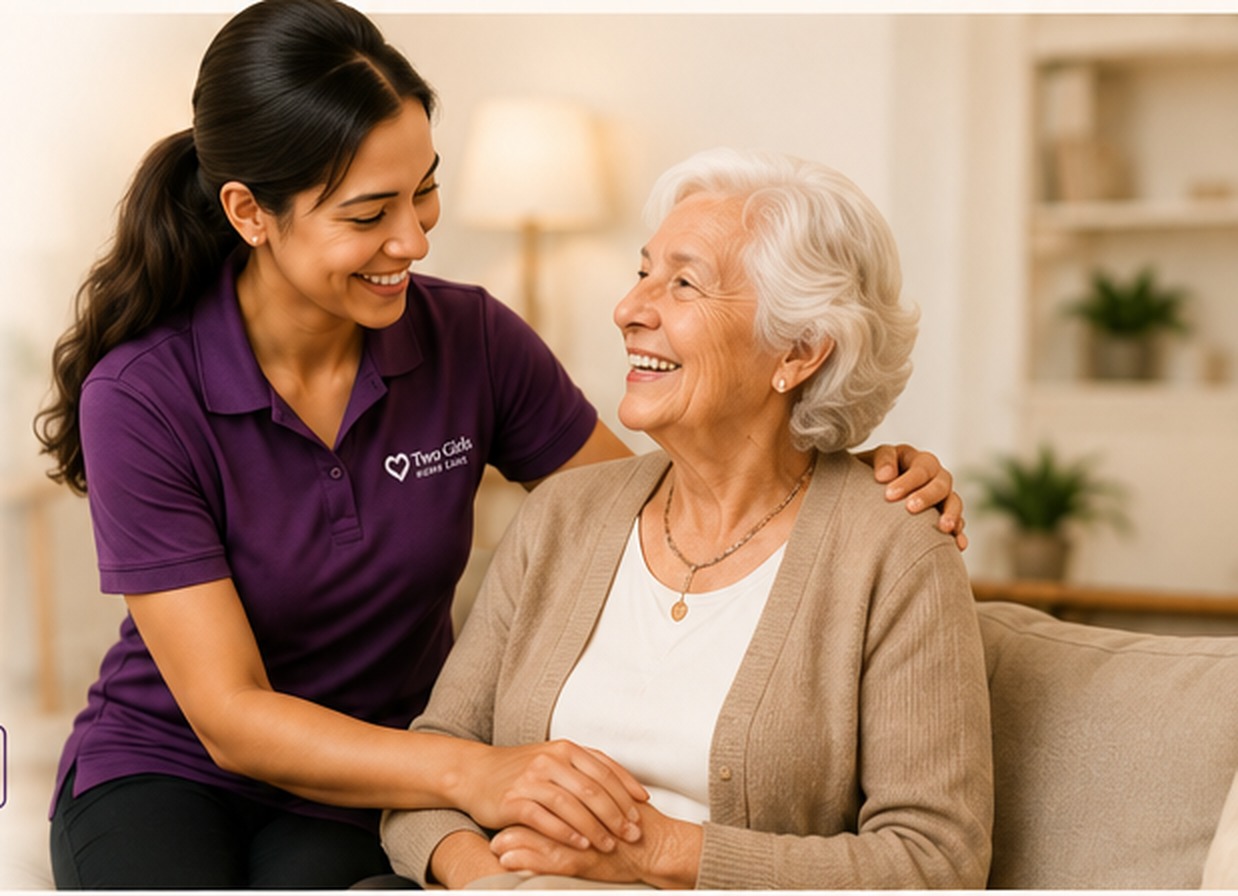
Compassionate support at home
Looking for compassionate support for your loved one at home? Two Girls Home Care is here to help.
Call (805) 424-9944Sources & Helpful Resources
ARTICLE SAVED
Your article is ready.
The article was saved successfully.
AI Post Jobs
Create, manage, and publish job openings to your careers page.
0PublishedLive on website
0DraftsNot published
0ScheduledScheduled to publish
0ClosedNot visible on website
0Total PostsAll time
| Job Title | Location | Status | Published Date ↓ | Actions |
|---|---|---|---|---|
| Loading job posts… | ||||
Tips for better job posts
Include clear responsibilities, benefits, pay range, and requirements to attract the best caregivers.
AI POST JOBS
Create New Job Post
Create, preview, and publish a caregiver opening.
Position Details
Job Content
Use AI later or write/edit everything manually now.
TWO GIRLS HOME CARE
Communications
Send email, text messages, or checklists with easy tracking.
RECENT
Messages & Caregiver Responses
No communications yetSent messages and checklist progress will appear here.
NEW COMMUNICATION
New Message
OPTIONAL
Care Checklist
Assign it to the caregiver portal. The caregiver signs in at the caregiver portal ↗.
Pick common senior home care tasksClick any task to add or remove it.
Selected Tasks0 selected
READY TO SEND
Review Before Sending
PORTAL HISTORY
Activity
A read-only record of important actions made by staff and, later, the AI tools.
Loading activity…Please wait
Activity history is read-only. Filters search loaded records; use Load older activity to include earlier entries. Print events record requests, not confirmation of physical printing.
ADMIN
Users & Access
Add staff, choose their role, and control which portal areas they can use.
…
Loading staff...Please wait
ADMIN
Settings
Business information and portal configuration.
Portal Administration
Manage staff access and review the portal audit history from one place.
AI Marketing
Create, review, and publish content for Facebook and Instagram.
Scheduled Content
Create, preview, and publish content with a simple three-step flow.
1. Choose a topic
Pick a suggested topic or create your own.
2. Generate your post caption
AI creates warm content, the agency phone number, and five hashtags.
3. Choose an image
Select a realistic image matched to the topic, generate other options, or upload your own.
4. Choose platforms
Publish to Two Girls Home Care
Facebook and Instagram are connected securely through Meta. Choose one or both platforms before publishing.
Your post is ready.
The marketing post has been saved successfully.